
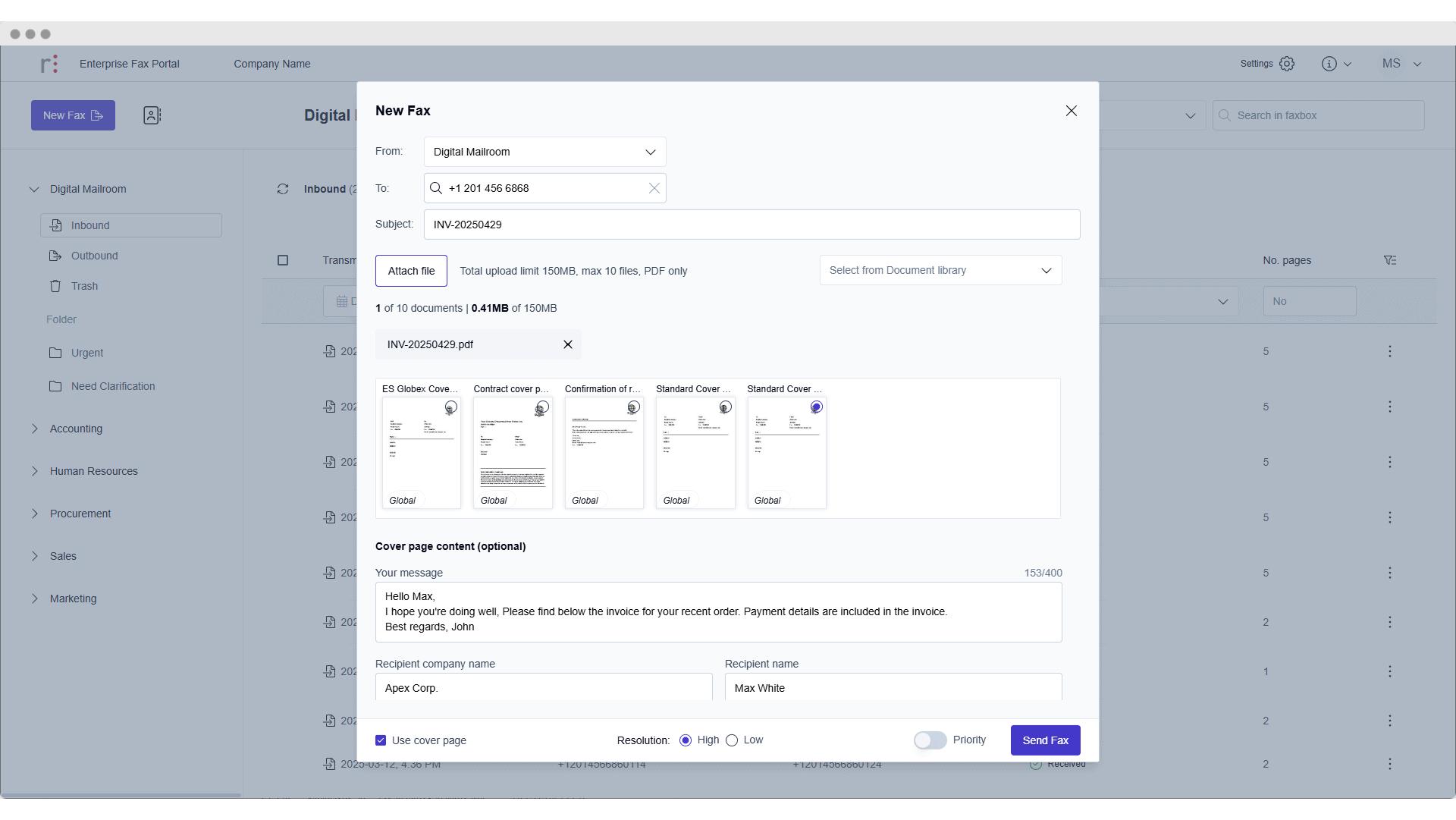

Managing enterprise fax access can become increasingly complex as an organization grows. Employees join, leave or change roles; departments require access to different faxboxes; and IT teams must consistently enforce the organization’s security policies. When these changes affect hundreds or thousands of users, manual account administration can quickly become a significant burden.
Recent updates to the Retarus Enterprise Fax Portal help simplify this work. With Microsoft Entra ID Single Sign-On and CSV-based bulk user management, administrators now have more efficient ways to manage access throughout the user lifecycle, from initial onboarding and authentication to account updates and offboarding.
Secure access through Microsoft Entra ID
The Enterprise Fax Portal now supports Single Sign-On with Microsoft Entra ID. Once SSO is configured for a tenant, users are automatically redirected to their organization’s Entra ID login rather than entering a separate Enterprise Fax Portal password.
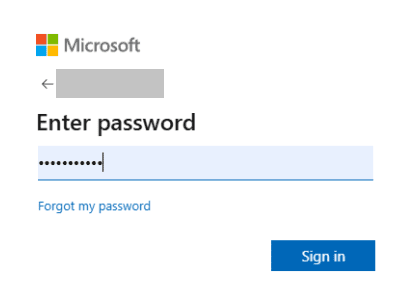
This allows employees to access the portal through a familiar sign-in process while enabling IT teams to apply their existing identity and access policies.
Faster onboarding with CSV-based bulk uploads
Large-scale user administration involves more than authentication. IT teams must also create accounts, assign users to the correct resources and keep the user environment aligned with organizational changes.
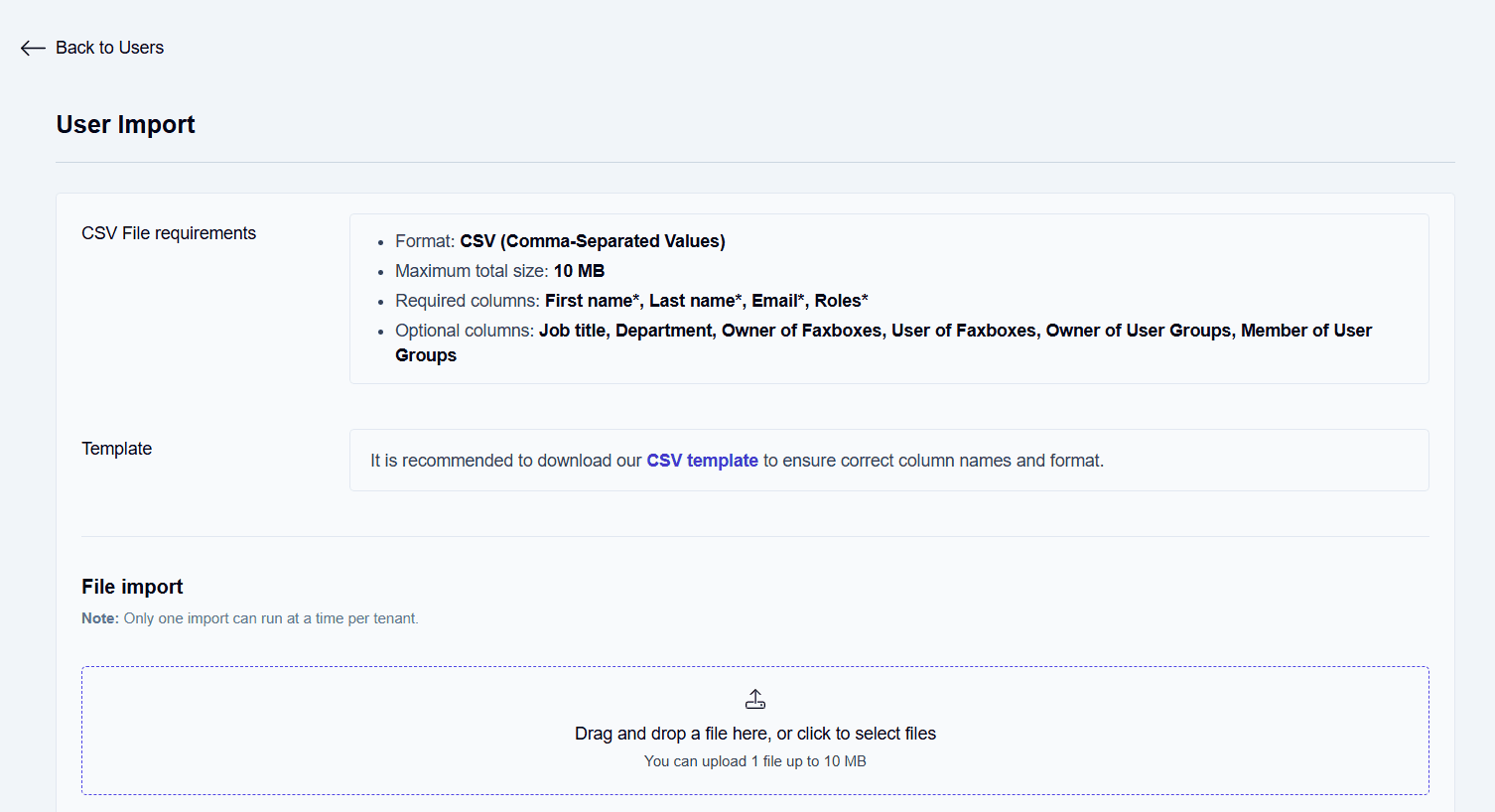
Tenant administrators can now create multiple Enterprise Fax Portal users at once by uploading a CSV file. During the same process, new users can be assigned directly to faxboxes or user groups, reducing the number of individual configuration steps required after account creation.
The bulk upload screen also includes a downloadable sample CSV file, giving administrators a clear template for preparing user data in the correct format.
Efficient offboarding and easier user reviews
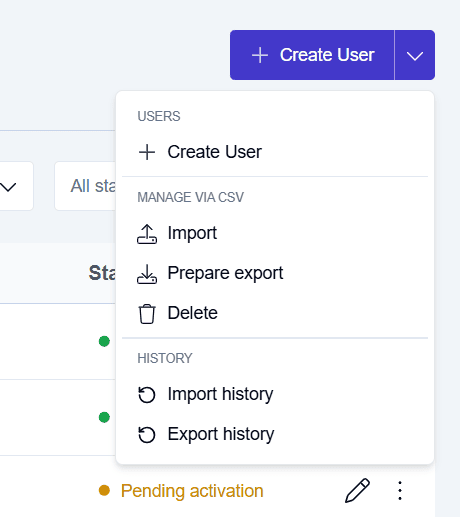
Administrators can use CSV files to delete users in bulk, as well. This makes it easier to remove accounts following larger personnel or organizational changes. EFP also allows administrators to export a list of all existing users. This provides a practical starting point for internal access reviews, administrative reporting and comparisons against current employee or department records.
Together, bulk deletion and user export capabilities give IT teams greater visibility into the current user base and a more efficient way to keep access aligned with business requirements.
You can get a real feel for the Enterprise Fax Portal yourself, today. You can contact Retarus here, and schedule your personalized demo to see how the fax portal can help make your IT admin teams’ lives easier today.


Submit a comment